

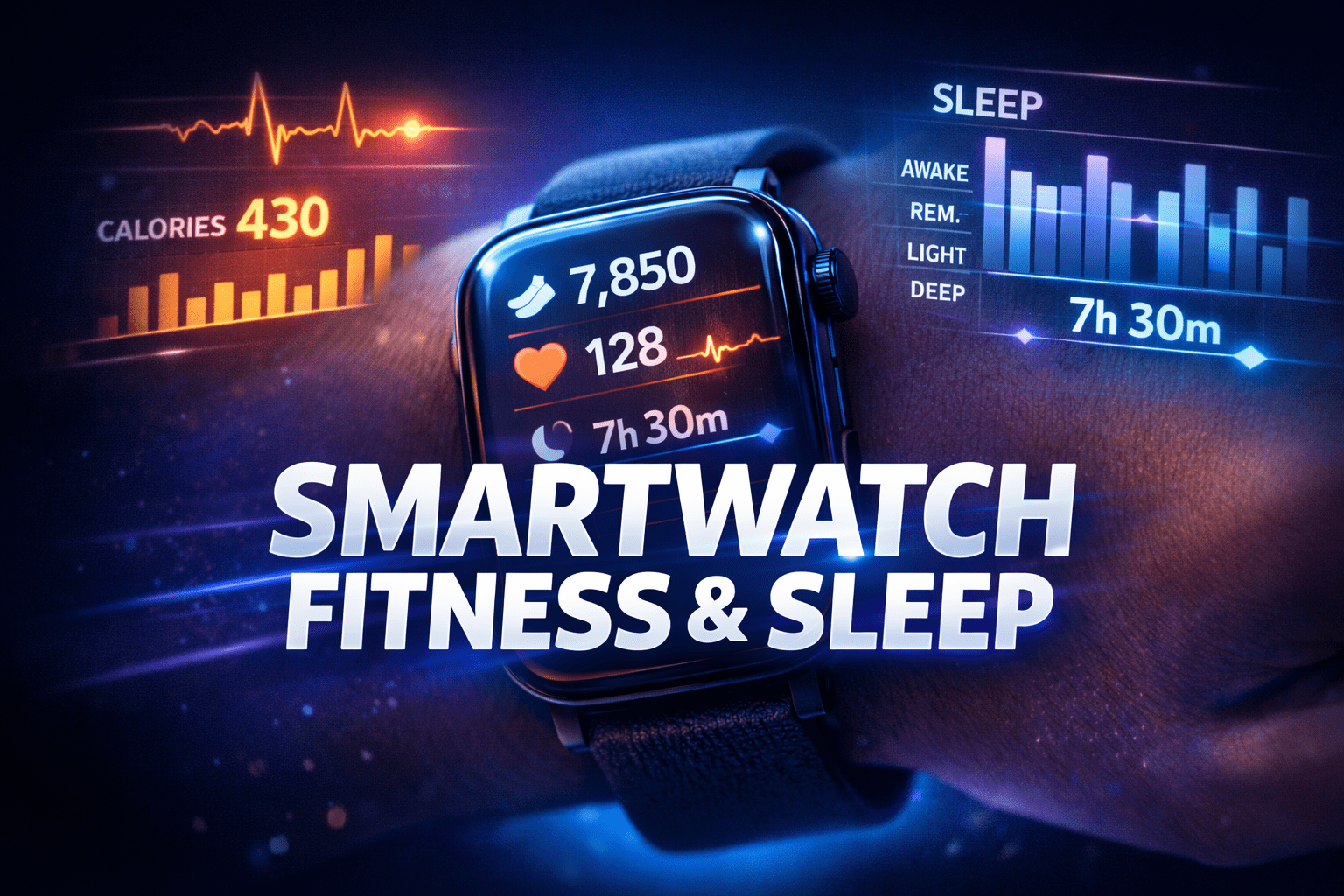
Smartwatch fitness and sleep tracking has become one of the most useful features for improving daily health and lifestyle. If you set it up correctly, your smartwatch can track your activity, monitor your heart rate, and give detailed insights into your sleep patterns. This guide explains how to properly configure smartwatch fitness and sleep tracking so you can get accurate data and actually use it to improve your routine.
The good news is that getting useful fitness and sleep data does not require advanced technical knowledge. You just need to configure the basics correctly, wear the watch the right way, and understand which settings matter most. Once that is done, your smartwatch can quietly collect useful information in the background and turn it into patterns you can actually use.
This guide explains how to set up a smartwatch for fitness and sleep tracking in a simple and practical way.
Start with the Right App Setup
The first step is connecting your smartwatch to its companion app on your phone. Most smartwatches rely on a mobile app to manage health settings, account details, permissions, software updates, and sync options. Without that app, the watch may still work, but many fitness and sleep features will be limited or inaccurate.
After pairing the watch with your phone, create or sign in to your account inside the app. This matters because your activity history, sleep records, goals, and health trends are usually stored there. If you ever reset the watch or switch devices, having your account already set up makes it much easier to keep your data.
Once you are inside the app, fill in your personal profile carefully. Add your age, gender, height, weight, and activity level as accurately as possible. These details help the watch estimate calories burned, stride length, resting heart rate trends, and other metrics. Many people skip this step or enter random numbers, but even small errors can make the tracking less useful.
Update the Watch Before Using It
Before you start relying on the watch for health tracking, check for software updates. Brands often improve step counting, heart rate accuracy, GPS performance, sleep detection, and battery optimization through updates. A smartwatch running old software may miss features or produce less reliable results.
Also update the phone app if needed. A mismatch between the app version and the watch software can sometimes cause sync issues or missing health data. Taking a few minutes to update everything at the beginning can save a lot of frustration later.
Give the Watch the Permissions It Needs
Many smartwatch features depend on permissions from your phone. During setup, the app may ask for access to Bluetooth, location, motion activity, notifications, health data, and background syncing. It may feel unnecessary to allow all of this, but some permissions are essential for accurate tracking.
For fitness tracking, location access is important if you want route mapping for walks, runs, or cycling. Motion and fitness permissions help the app count movement properly. Background syncing allows your watch data to transfer to the phone even when the app is not open.
For sleep tracking, the main need is consistent syncing and access to health-related features. Some watches also need permission to access bedtime or wellness settings in the phone’s health system. If sleep data is not appearing later, missing permissions are often the reason.
Adjust the Watch Fit Correctly
One of the most overlooked parts of smartwatch setup is how the watch is worn. A loose watch can give poor heart rate readings, weaker sleep detection, and less stable exercise tracking. A watch that is too tight can become uncomfortable, especially at night.
For normal daily use, the watch should sit snugly on your wrist without sliding around. During workouts, it can be worn slightly tighter so the heart rate sensor stays in better contact with your skin. For sleep, comfort matters most, but it should still remain secure enough to collect data.
Try wearing the watch slightly above the wrist bone rather than directly on it. This usually improves sensor contact and reduces movement during exercise. If the default band feels irritating at night, consider switching to a softer strap. A comfortable fit makes it much easier to wear the watch consistently, and consistency is the key to useful tracking.
Set Up Your Fitness Goals
Most smartwatch apps let you choose activity goals such as daily steps, calories burned, active minutes, stand hours, or workout frequency. Do not just keep the default numbers without thinking. Set goals that match your current lifestyle.
If you are mostly inactive right now, setting a very high step goal may feel motivating for one or two days, but it often becomes discouraging. A better approach is to choose a target that feels realistic but still pushes you slightly. For example, if you usually walk 3,000 steps a day, a 5,000-step goal is more useful than immediately aiming for 12,000.
You should also decide which metrics matter most to you. Some people care most about step count. Others want better cardio workouts, calorie tracking, or daily movement reminders. Keeping the watch focused on your real goal makes the data easier to understand.
Enable Continuous Heart Rate Tracking
Heart rate monitoring is one of the most useful smartwatch features for both fitness and sleep. When enabled, it can show resting heart rate trends, workout intensity, recovery patterns, and night-time changes while you sleep.
Inside the app, check whether continuous or all-day heart rate tracking is turned on. Some watches reduce the frequency by default to save battery. If you want deeper health insights, it is usually worth enabling the more detailed option, as long as battery life remains acceptable.
Continuous heart rate data is especially useful because it adds context to your steps and workouts. Two people may walk the same distance, but their effort level can be very different. Heart rate helps the watch understand that difference.
Turn On Sleep Tracking Features
For sleep tracking, make sure the feature is actually enabled. Some watches track sleep automatically, while others need manual setup or at least bedtime preferences to work properly. In the app, look for options related to sleep, bedtime, sleep schedule, sleep stages, blood oxygen during sleep if supported, and night-time heart rate monitoring.
It also helps to enter your usual sleep and wake times. This does not force you into a strict schedule, but it helps the watch recognize when you are likely trying to sleep. Some smartwatches are better at detecting sleep when they already know your general bedtime window.
If the watch offers a sleep mode, bedtime mode, or do not disturb schedule, set that up too. This prevents unnecessary screen wake-ups and notifications during the night. A bright screen or repeated vibration can interrupt sleep and defeat the purpose of tracking it.
Learn What Metrics Actually Matter
A smartwatch can show a large amount of health data, but not all of it deserves equal attention. For fitness, the most practical metrics are usually steps, active minutes, heart rate, workout duration, pace, and consistency over time. For sleep, the most useful numbers are total sleep time, bedtime consistency, wake-ups during the night, and overall sleep trends.
Do not become obsessed with every single score or graph. Smartwatches are helpful, but they are not medical sleep labs. Sleep stage estimates can be interesting, but they are not perfect. What matters more is whether your overall sleep is improving or getting worse over a period of days and weeks.
The same applies to fitness. One workout with lower calories burned does not mean much on its own. A consistent pattern of daily movement and regular workouts matters far more than one flashy number.
Customize Workout Modes
If your smartwatch supports multiple workout modes, spend a little time choosing the ones you will actually use. Running, walking, cycling, strength training, yoga, and treadmill workouts often track differently. Starting the correct workout mode gives you more accurate metrics than expecting the watch to guess everything automatically.
You can usually reorder or favorite your most-used exercise modes so they are easier to access. That small change makes a big difference because you are more likely to start tracking a workout properly when the option is right in front of you.
If the watch has automatic workout detection, you can enable it as a backup. Just remember that manual tracking is usually more precise, especially for shorter sessions or gym workouts.
Enable GPS Only When Needed
If your watch has built-in GPS, use it for outdoor activities like running, walking, hiking, or cycling when route and pace matter. GPS can improve activity data, but it also drains battery faster. You do not need it on for every exercise.
For indoor workouts or general daily movement, basic motion sensors and heart rate tracking are usually enough. Being selective with GPS helps the watch last longer, which is especially important if you want to wear it overnight for sleep tracking.
Focus on Battery Management
A smartwatch that dies before bedtime cannot track your sleep. One that dies during a workout cannot complete your exercise data. That is why battery management is part of the setup process, not just a later concern.
Check how fast your watch drains with continuous heart rate tracking, sleep monitoring, notifications, and screen brightness enabled. Then build a charging routine around your schedule. Many people charge the watch while showering, studying, or sitting at a desk for a short time in the evening. That works better than charging it overnight if sleep tracking is a priority.
You can also extend battery life by lowering screen brightness, reducing unnecessary notifications, disabling always-on display if needed, and only using GPS during relevant workouts.
Review Your Data the Right Way
After a few days of use, open the app and look for patterns rather than single results. Is your step count steady or dropping? Are you sleeping enough on school or work nights? Is your resting heart rate changing over time? Are you more active on some days than others?
This is where a smartwatch becomes valuable. It helps you notice things that are easy to miss in everyday life. Maybe you think you sleep seven hours, but the watch shows you are closer to five and a half. Maybe you assume you are active, but your movement drops sharply on weekends. These small discoveries can help you make better decisions.
Do Not Chase Perfect Numbers
A smartwatch is a guide, not a judge. The goal is not to hit perfect scores every day. The goal is to build awareness and improve habits slowly. Even the best smartwatch cannot guarantee perfect data every second, and health progress never looks the same every day.
Use the watch to stay informed, not stressed. Let it remind you to move, help you understand your sleep routine, and support your fitness goals. That is where it works best.
Final Thoughts
Learning how to set up a smartwatch for fitness and sleep tracking is really about setting up better habits. The watch itself is only a tool. Its real value comes from accurate personal details, correct permissions, a comfortable fit, realistic goals, and regular use.
Once you get the basics right, your smartwatch can help you stay more active, sleep more consistently, and understand your body better over time. You do not need to master every advanced feature on day one. Start with the essentials, wear it consistently, and let the data guide small improvements. With smartwatch fitness and sleep tracking, these small improvements become easier to notice and maintain over time.
That is how a smartwatch becomes genuinely useful instead of just another gadget on your wrist.
For deeper understanding of sleep cycles, you can explore research shared by Sleep Foundation.
Related guide: How to Improve Wi-Fi Speed for Smart Devices