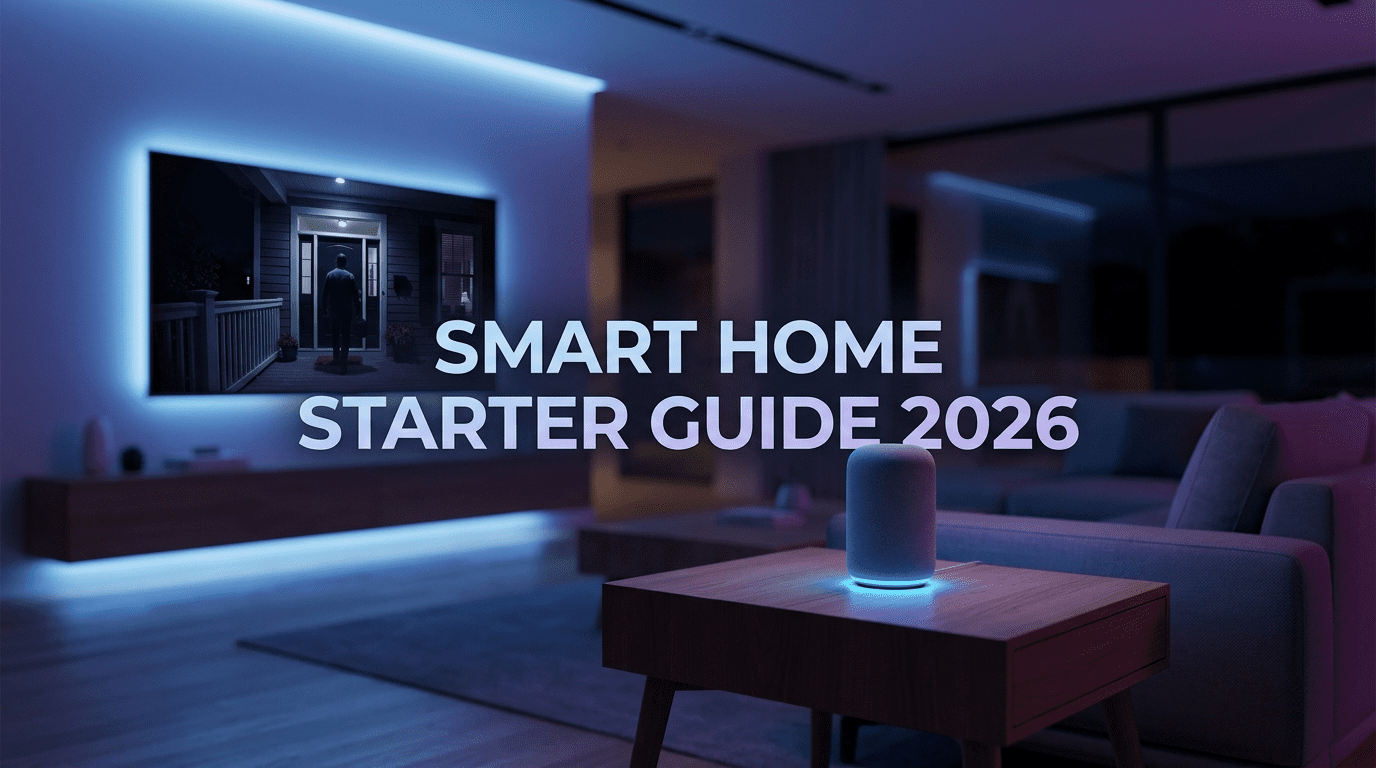
Building a connected home feels exciting, but beginners often feel overwhelmed by too many choices. This Smart Home Starter Guide 2026 explains what to buy first, how to set up your system, and how to avoid wasting money on unnecessary gadgets, making it the perfect starting point for beginners.
Smart homes are no longer futuristic or complicated. Today, they are affordable, easy to install, and useful for everyday life. However, beginners often feel confused because there are so many devices available. As a result, many people buy gadgets that do not work well together or that fail to improve daily routines.
This Smart Home Starter Guide 2026 explains what to buy first and how to build a smart home step by step. More importantly, it helps you avoid wasting money on devices you do not need.
Why Smart Homes Are Easier Than Ever
In the past, setting up a smart home required technical skills. Now, things are very different. Devices connect faster, apps are easier to understand, and voice assistants are much smarter. Because of these improvements, beginners can start small and expand slowly.
Instead of buying everything at once, it is better to focus on devices that provide daily value. In other words, your smart home should grow naturally over time.
Step 1: Choose a Smart Home Ecosystem
Before buying any gadget, you must choose a smart home ecosystem. Think of it as the control system for your entire house. Every device you buy later will connect to this platform.
Most smart devices work with three major ecosystems:
- Amazon Alexa
- Google Home / Google Assistant
- Apple Home (HomeKit)
Choosing one platform early makes setup easier and prevents compatibility problems.
How to pick the right ecosystem
Choose Alexa if you want affordable gadgets and wide compatibility.
Choose Google Home if you use Android and Google services daily.
Choose Apple Home if you use Apple devices and value privacy.
Although mixing platforms is possible, sticking to one system in the beginning keeps things simple.
Step 2: Buy a Smart Speaker or Smart Display
After choosing your ecosystem, the next step is buying a smart hub. A smart speaker or smart display becomes the brain of your home.
This device allows you to control gadgets using voice commands. In addition, it helps you create routines and manage everything from one app.
Speaker vs display
Smart speakers are cheaper and great for voice control. On the other hand, smart displays include screens. Because of this, they can show cameras, recipes, weather, and video calls.
For beginners, a smart display often provides more value and feels easier to use.
Step 3: Start With Smart Lighting
Smart lighting is the easiest and most satisfying upgrade. Installation is simple, and the results are immediate.
For example, you can turn lights on or off with your voice. You can also adjust brightness automatically during the day. Meanwhile, color temperature can change for relaxation or focus.
Smart lights can also:
- Turn on before you arrive home
- Turn off automatically at night
- Create a “vacation mode” for security
Begin with the living room, bedroom, and entryway. After installing a few bulbs, your home will instantly feel smarter.
Step 4: Add Smart Plugs for Instant Automation
Smart plugs are small but powerful devices. They turn regular appliances into smart ones. Because of this, you can automate devices you already own.
For instance, smart plugs can control:
- Lamps and fans
- Coffee machines
- Heaters
- TV setups
As a result, your coffee can start brewing before you wake up. Similarly, devices can turn off automatically at bedtime.
Since smart plugs are affordable, they are perfect for beginners.
Step 5: Improve Home Security
Once lighting and plugs are ready, security becomes the next priority. These devices provide peace of mind and daily convenience.
Start with a few basic security gadgets.
Smart doorbell camera
This device lets you see visitors remotely. In addition, you receive alerts when someone approaches your door.
Indoor security camera
Indoor cameras help you check your home while traveling. They also allow you to monitor pets or children.
Door and window sensors
These sensors send alerts when doors or windows open unexpectedly. Therefore, they are great for both apartments and houses.
Security devices quickly become some of the most useful smart home tools.
Step 6: Install a Smart Thermostat
A smart thermostat helps reduce energy bills. Unlike traditional thermostats, it learns your habits and adjusts automatically.
For example, it lowers cooling when you leave home. Later, it prepares the perfect temperature before you return.
Over time, this device saves money while improving comfort.
Step 7: Create Your First Automations
Buying gadgets is only the beginning. Automation is what makes a home truly smart. Fortunately, modern apps make automation simple.
Morning routine
Lights turn on gradually. Meanwhile, weather updates play and coffee starts brewing.
Leaving home routine
Lights turn off, cameras activate, and the thermostat switches to eco mode.
Night routine
Lights dim slowly. Afterwards, devices power down and reminders appear to lock doors.
These routines save time every day.
Step 8: Avoid Common Beginner Mistakes
Many beginners rush the process. Consequently, they spend more money than necessary.
Keep these tips in mind:
- Always check compatibility before buying devices
- Avoid expensive niche gadgets at the start
- Make sure your Wi-Fi is strong and reliable
- Build your setup gradually instead of rushing
Following these steps prevents frustration later.
Step 9: Follow a Simple Buying Order
To keep things easy, follow this order:
- Smart speaker or smart display
- Smart lighting starter kit
- Two to four smart plugs
- Smart doorbell or camera
- Door and window sensors
- Smart thermostat
Each new device adds real value and improves your system.
Step 10: Plan Your Budget
A smart home does not need a huge budget. Instead, start small and upgrade slowly.
Basic setup
- Smart speaker
- Two or three smart bulbs
- Two smart plugs
Mid-range setup
- Smart display
- Lighting in key rooms
- Four smart plugs
- Doorbell camera
Advanced starter setup
- Full lighting automation
- Security cameras and sensors
- Smart thermostat
Choose a level that fits your budget and expand when ready.
Final Thoughts
Building a smart home in 2026 is easier than ever. With the right strategy, you can improve comfort, safety, and efficiency without overspending.
Start with a smart hub, then add lighting and smart plugs. After that, focus on security and energy savings. By following this Smart Home Starter Guide 2026, step by step your home will become more helpful and responsive.
According to the Consumer Technology Association, smart home adoption continues to grow every year.
In the end, the best smart homes are simple, practical, and built around daily needs.
Read also: How to Improve Gadget Battery Life