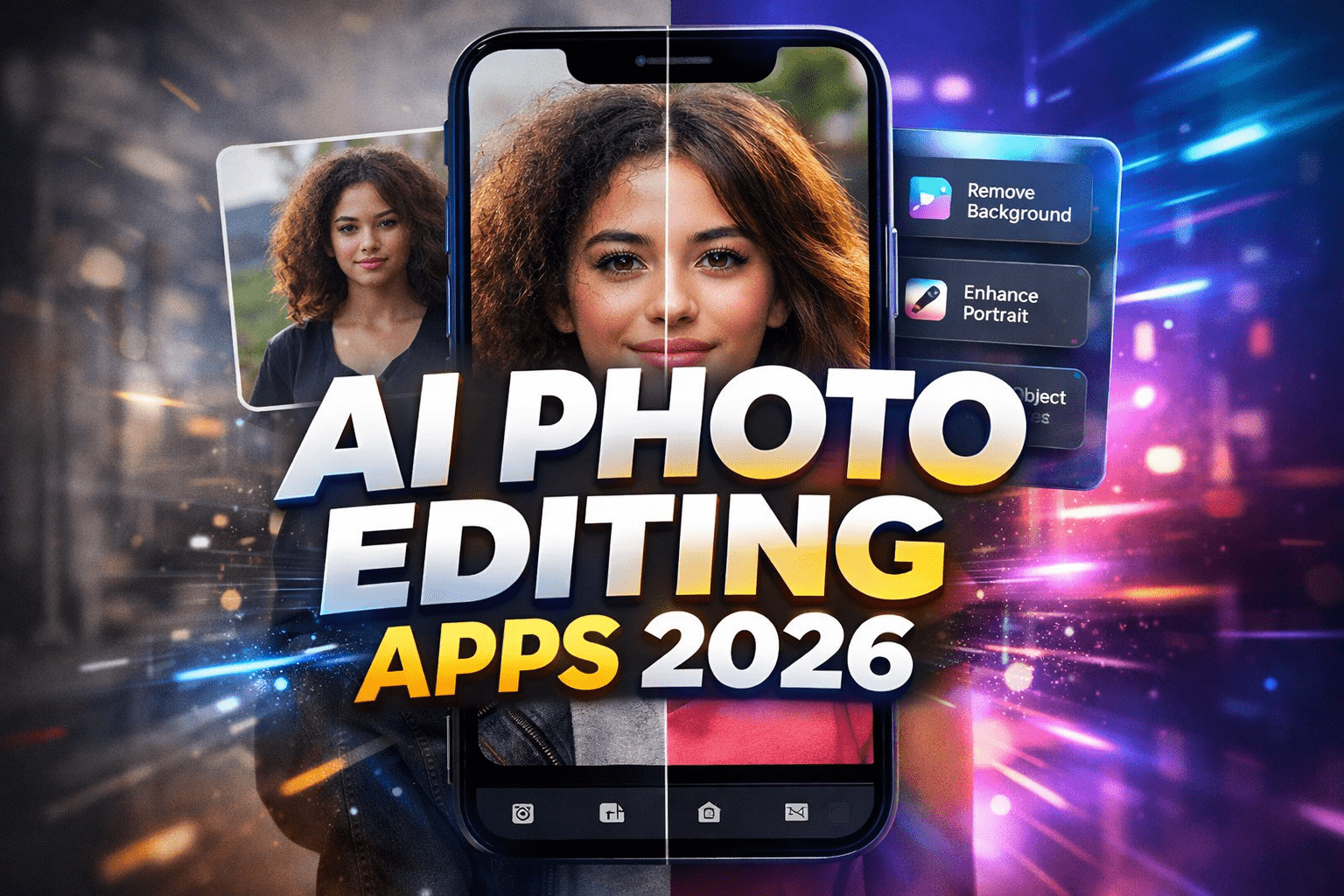
AI Photo Editing Apps 2026 are transforming how people edit and enhance their photos. From automatic background removal to smart portrait retouching, these apps use artificial intelligence to deliver professional results in seconds. Whether you are a content creator, blogger, or casual user, choosing the right AI Photo Editing Apps 2026 can save time and improve image quality without advanced editing skills.
That matters because modern users want speed without sacrificing quality. Content creators need fast edits for YouTube thumbnails, Instagram posts, and blog images. Small business owners need better product photos without paying for a full design team. Casual users want vacation pictures, selfies, and family photos to look cleaner and more professional. AI has stepped in to bridge the gap between convenience and quality.
The best photo editing apps in 2026 are not necessarily the ones with the most features. The best ones are the apps that use AI in practical ways. Good AI should save time, improve results, and still give users enough control to make the final image feel intentional rather than artificial. Some apps focus on fast mobile editing, while others are built for creators who want more precision. A few are especially strong for portraits, while others shine in product photography, social content, or background cleanup.
This guide explores the best photo editing apps with AI features in 2026, what makes each one useful, and who should use them.
Why AI Photo Editing Matters in 2026
AI photo editing is popular because it solves common problems faster than traditional editing. Instead of manually selecting a subject, cleaning up skin, adjusting dozens of sliders, or cloning out unwanted objects, users can now rely on smart tools that understand what is in the image. The software can identify skies, people, hair, pets, objects, shadows, and backgrounds with impressive accuracy.
The biggest advantage is efficiency. Tasks that once took fifteen or twenty minutes can now be completed in a few taps. But the second major advantage is accessibility. People who are not designers or photographers can still produce polished images. That makes AI editing apps useful not only for professionals but also for students, bloggers, online sellers, marketers, and everyday smartphone users.
Still, not all apps are equal. Some over-process images and make them look fake. Others hide their best features behind expensive subscriptions. The strongest apps are the ones that combine AI speed with natural-looking output and flexible editing controls.
1. Adobe Lightroom
Adobe Lightroom remains one of the strongest photo editing apps in 2026, especially for users who want a balance between automation and professional-grade editing. Its AI features have become smarter and more practical over time. Automatic masking, subject detection, sky selection, background adjustments, and portrait enhancement now work with impressive precision.
What makes Lightroom stand out is that its AI tools do not feel gimmicky. They are designed to speed up a serious editing workflow rather than replace it entirely. You can quickly select a person, brighten only the face, soften the background, correct skin tone, or enhance the sky without affecting the whole image. That saves a huge amount of time.
Lightroom is especially strong for photographers, bloggers, and creators who want consistent results across many images. Its preset system, batch editing, and color tools make it excellent for maintaining a visual style. The app is not the cheapest option, but it remains one of the most reliable choices for users who care about natural results and long-term editing flexibility.
2. Adobe Photoshop Express
For users who want Adobe power in a more mobile-friendly and simpler package, Photoshop Express is one of the best photo editing apps with AI features in 2026. It focuses on fast improvements, social-ready edits, and practical one-tap tools that work well for casual and semi-serious users.
Its AI-powered features typically include object removal, skin smoothing, background blur, quick cutouts, collage help, and automatic enhancement. These features make it useful for users who want strong results without learning a complex editing system. It is especially helpful for content creators who need speed more than deep manual control.
Photoshop Express works well for editing photos for social media, personal branding, and quick promotional graphics. It may not replace full Photoshop for advanced creators, but it is one of the easiest ways to get polished AI-assisted edits directly on a phone.
3. Snapseed
Snapseed continues to be one of the most trusted editing apps for people who want powerful tools without feeling overwhelmed. While it is not always marketed as aggressively as some newer AI apps, its smart editing approach and intuitive controls keep it highly relevant in 2026.
What makes Snapseed special is its balance. It offers quick editing tools while still giving users control over details like structure, curves, selective adjustments, healing, and portrait enhancement. If AI is used well, it should feel like a helpful assistant rather than a flashy shortcut, and Snapseed often fits that philosophy.
This app is ideal for users who want more control than basic filter apps but do not want to pay for a complicated editing ecosystem. Bloggers, students, and everyday users often prefer it because it helps photos look better without pushing them into unrealistic territory.
4. Canva
Canva has expanded far beyond simple design templates, and in 2026 it has become one of the most practical AI-powered visual creation tools for everyday users. While many people think of Canva as a graphic design app first, its photo editing capabilities have improved significantly.
Its AI features often include background remover, magic erase, image expansion, automatic design suggestions, text integration, and quick enhancement tools. This makes Canva especially useful for people who do not just want to edit a photo, but also want to turn it into a social media post, blog image, ad creative, thumbnail, or promotional graphic.
Canva is a strong choice for small business owners, website creators, marketers, and bloggers. It may not be the best pure photography editor on this list, but it is one of the most useful all-in-one platforms for people who need both editing and design in the same workflow.
5. PicsArt
PicsArt remains one of the most creative and trend-driven editing apps available. In 2026, it continues to attract users who want fast AI effects, social-friendly visuals, artistic edits, and flexible content creation tools.
Its AI features usually include background replacement, object removal, avatar effects, smart filters, text-to-image elements, beauty retouching, and stylized enhancements. PicsArt is less about subtle photography correction and more about visual creativity. It is the kind of app people use when they want an image to stand out rather than simply look natural.
That makes it very popular with social media creators, younger users, and anyone building eye-catching content for reels, posts, story covers, and thumbnails. The downside is that some results can look overly processed if used carelessly. But for creative freedom and fast visual impact, PicsArt is still one of the strongest options.
6. Pixelcut
Pixelcut has become one of the most important apps for ecommerce sellers, product photographers, and creators who need clean, conversion-focused visuals. In 2026, its AI tools are especially useful for removing backgrounds, improving product presentation, generating studio-style looks, and creating professional catalog images from smartphone photos.
This matters because not everyone has access to a lighting setup, white backdrop, and professional camera. Pixelcut helps online sellers produce cleaner product visuals using AI-assisted background cleanup, shadow generation, resizing, and layout tools. For small businesses and marketplace sellers, that can directly improve the quality of listings.
Pixelcut is not really aimed at traditional photo enthusiasts or landscape photographers. Its strength lies in commercial visuals. If your goal is selling products online or creating modern branded graphics, it is one of the smartest apps available.
7. Remini
Remini is best known for image enhancement, face detail recovery, and restoring lower-quality photos. In 2026, it remains one of the most recognizable AI-powered apps for improving blurry portraits, old images, and compressed photos.
Its appeal is simple. Many people have valuable photos that were taken on older phones, downloaded from messaging apps, or stored in poor quality. Remini can often make these images look sharper and clearer in seconds. That makes it useful for personal photo restoration, family albums, and improving portrait quality for casual sharing.
However, Remini works best when expectations are realistic. It can improve perceived quality, but it is not true magic. Overuse can sometimes make faces look unnatural. Still, for quick enhancement and restoration, it remains one of the most useful niche apps in the AI editing space.
8. Lensa
Lensa continues to be one of the most popular portrait-focused apps in 2026. Its AI features are built around selfies, beauty edits, face refinement, background effects, and social-ready portrait enhancement.
The reason many users like Lensa is that it delivers flattering results quickly. Lighting can be improved, skin can be smoothed, distractions can be reduced, and backgrounds can be softened without a complicated editing process. For users who post often and want consistent, polished portraits, it is a convenient option.
That said, moderation matters. Strong beauty AI tools can easily make photos look artificial if pushed too far. Lensa is at its best when used for subtle cleanup rather than extreme transformation.
How to Choose the Right App
The best photo editing app depends on what you actually need. If you want professional control and natural edits, Lightroom is one of the strongest choices. If you want fast everyday editing, Photoshop Express and Snapseed are excellent options. If you want to create social media graphics and blog visuals, Canva is extremely useful. If you want artistic and trend-focused edits, PicsArt is more suitable. For product photography, Pixelcut stands out. For portrait enhancement and photo restoration, Lensa and Remini are strong picks.
It is also worth considering pricing, device compatibility, and how much manual control you want. Some users prefer one-tap speed. Others want AI to assist rather than take over. The best app is the one that matches your workflow, not just the one with the biggest marketing claims.
Final Thoughts
The best photo editing apps with AI features in 2026 are changing how people create and improve images. They are faster, smarter, and more accessible than traditional editing tools, which makes high-quality photo editing possible for almost anyone. But the most useful apps are not the ones that replace creativity. They are the ones that remove friction and help users focus on the final look they want.
As AI continues to improve, photo editing will become even more intuitive. Even so, good taste will still matter. The strongest edits will always come from using smart tools with restraint and purpose. In that sense, AI is not replacing the editor. It is giving more people the chance to become one.
To explore more advanced AI editing tools, you can visit the official Adobe website for the latest updates and features.
If you are also looking to boost productivity, check out our guide on AI Note-Taking Apps in 2026 to organize your ideas more efficiently.